 LINKINFO
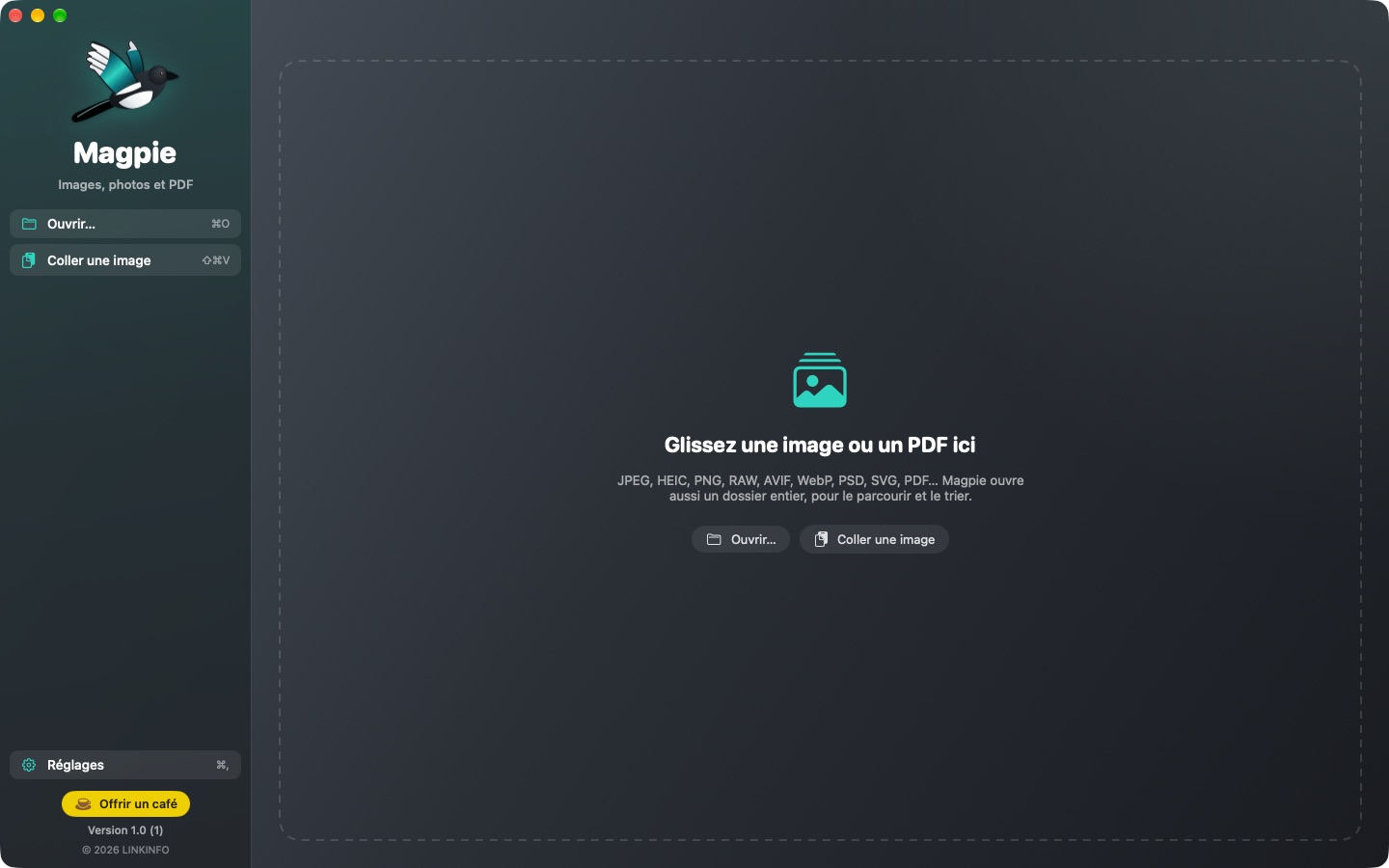
Magpie opens all your images — JPEG, HEIC, PNG, camera RAW, AVIF, WebP, JPEG XL, PSD, SVG — and your PDFs, in a clean window where the picture gets all the room. Open a photo and its whole folder follows in the filmstrip; the next image shows up instantly. Magpie goes further than Preview: keyboard culling to keep your best shots, text search inside images, pixel-level comparison, safe sharing (GPS location removed, faces blurred) and true redaction of PDFs. Everything happens on your Mac. It is free, with no ads and no account.
What Magpie does
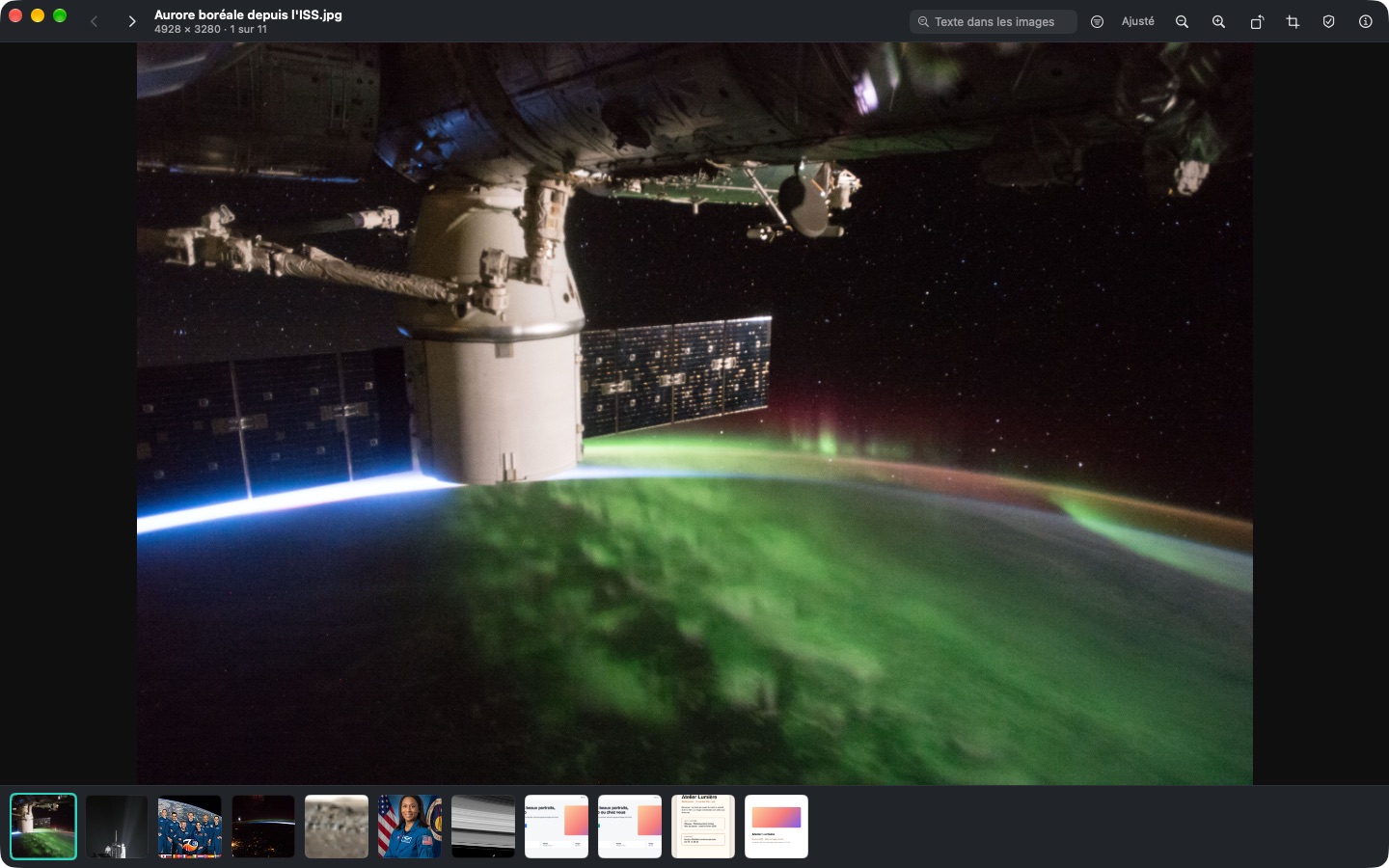
It opens everything, instantly
Open one photo and its whole folder scrolls by with no loading time.
- Images: JPEG, HEIC, PNG, animated GIF, TIFF, AVIF, WebP, JPEG XL, PSD, BMP, ICO, OpenEXR, SVG…
- Camera RAW: Canon, Nikon, Sony, Fujifilm, Panasonic, Olympus, Leica, DNG…
- Whole folder in the filmstrip, neighboring images preloaded, folder watched live (a new photo just appears).
- Zoom with a pinch, a double-click or the keyboard, down to the pixel; black, graphite, light or checkerboard background.
- Full-screen slideshow, sort by name, date, size or type, paste an image from the clipboard (⇧⌘V).
Sort your photos from the keyboard
After a weekend or a shoot, keep the best ones in minutes.
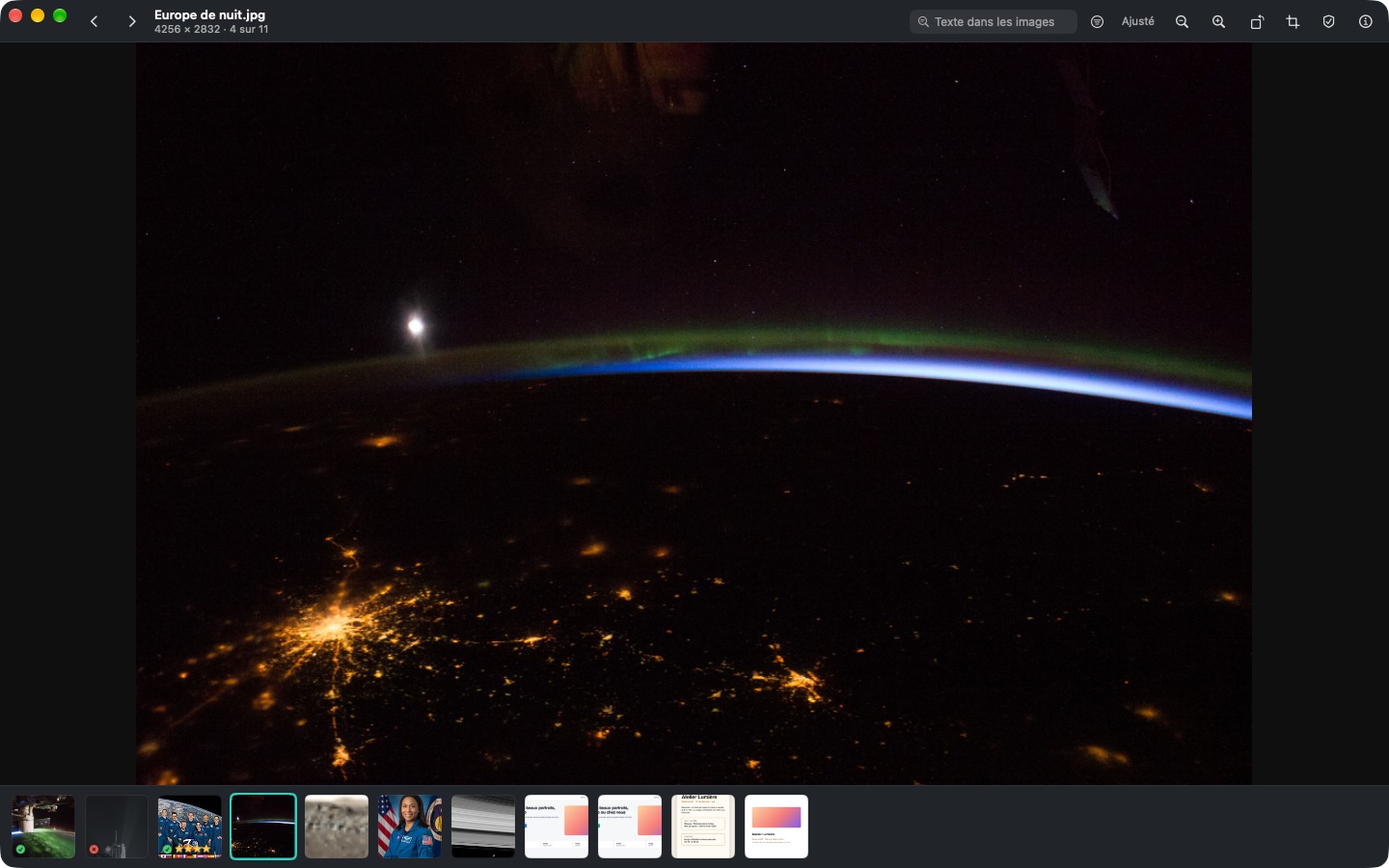
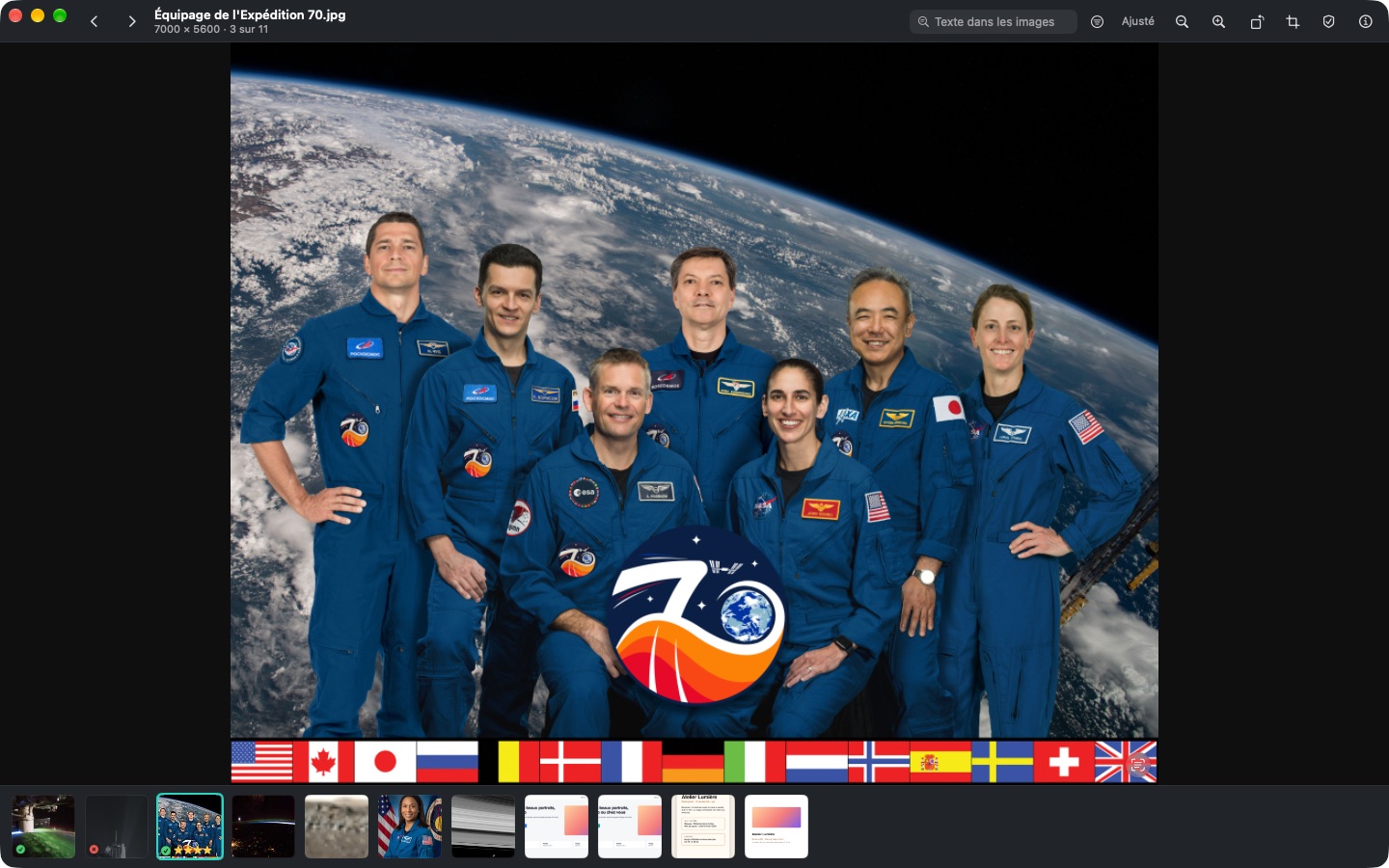
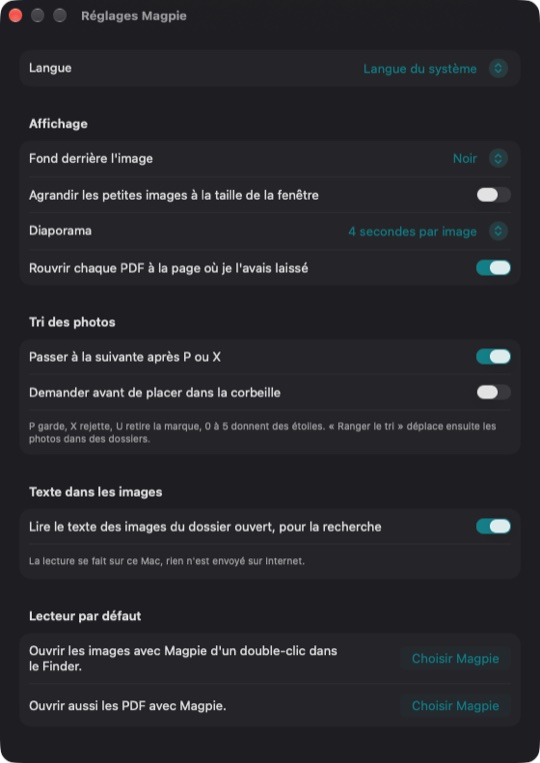
- P keeps, X rejects, 0 to 5 give stars, and Magpie moves on to the next photo.
- Marks show in the filmstrip; a filter shows only the kept, the rejected or the ones still to sort.
- File away: kept photos into a “Kept” folder, rejected ones into “Rejected” or the Trash.
- Batch convert the kept photos or the whole folder: JPEG, PNG, HEIC, AVIF or TIFF, at the size you want.
Things Preview can't do
What usually takes three different apps, in one viewer.
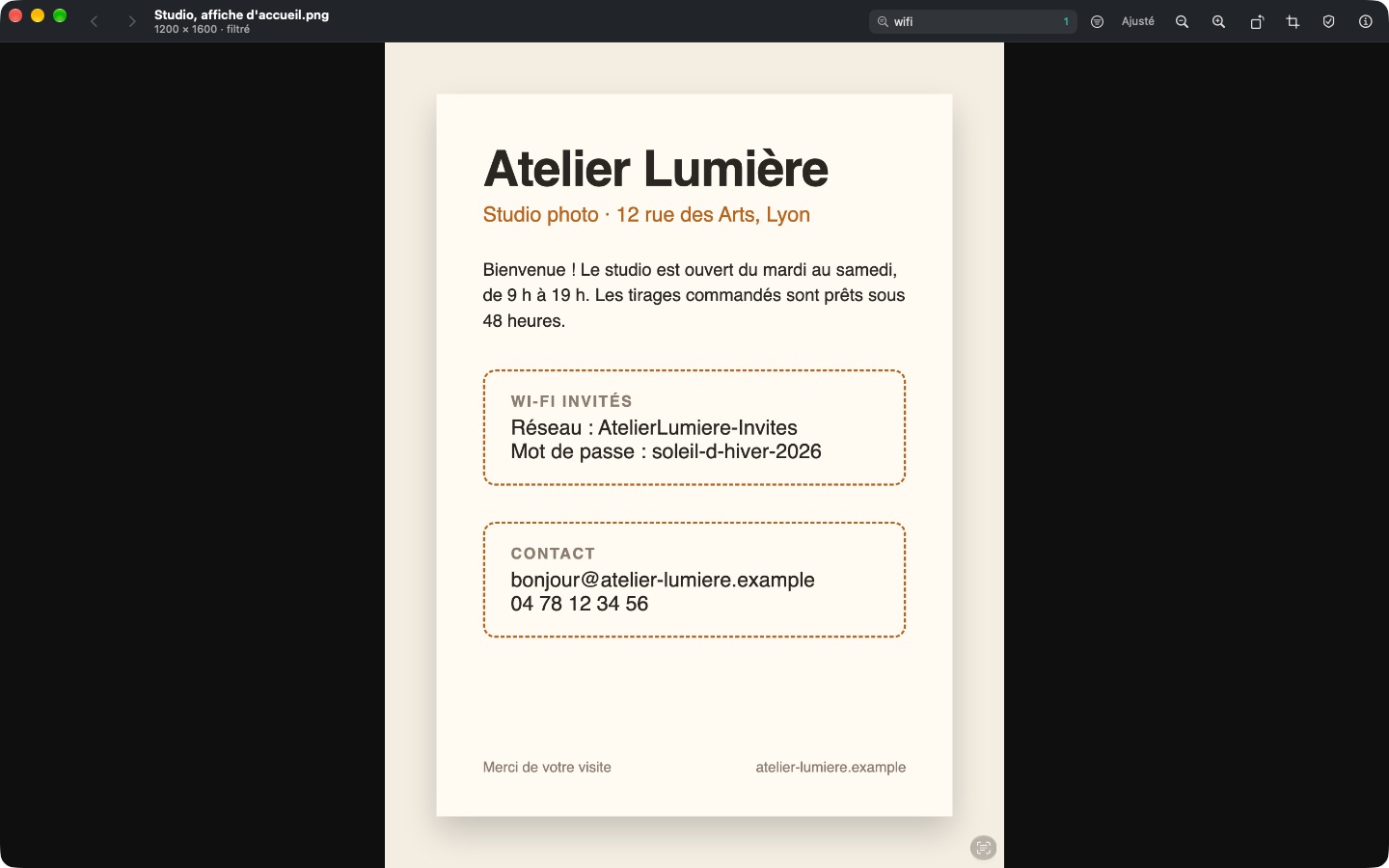
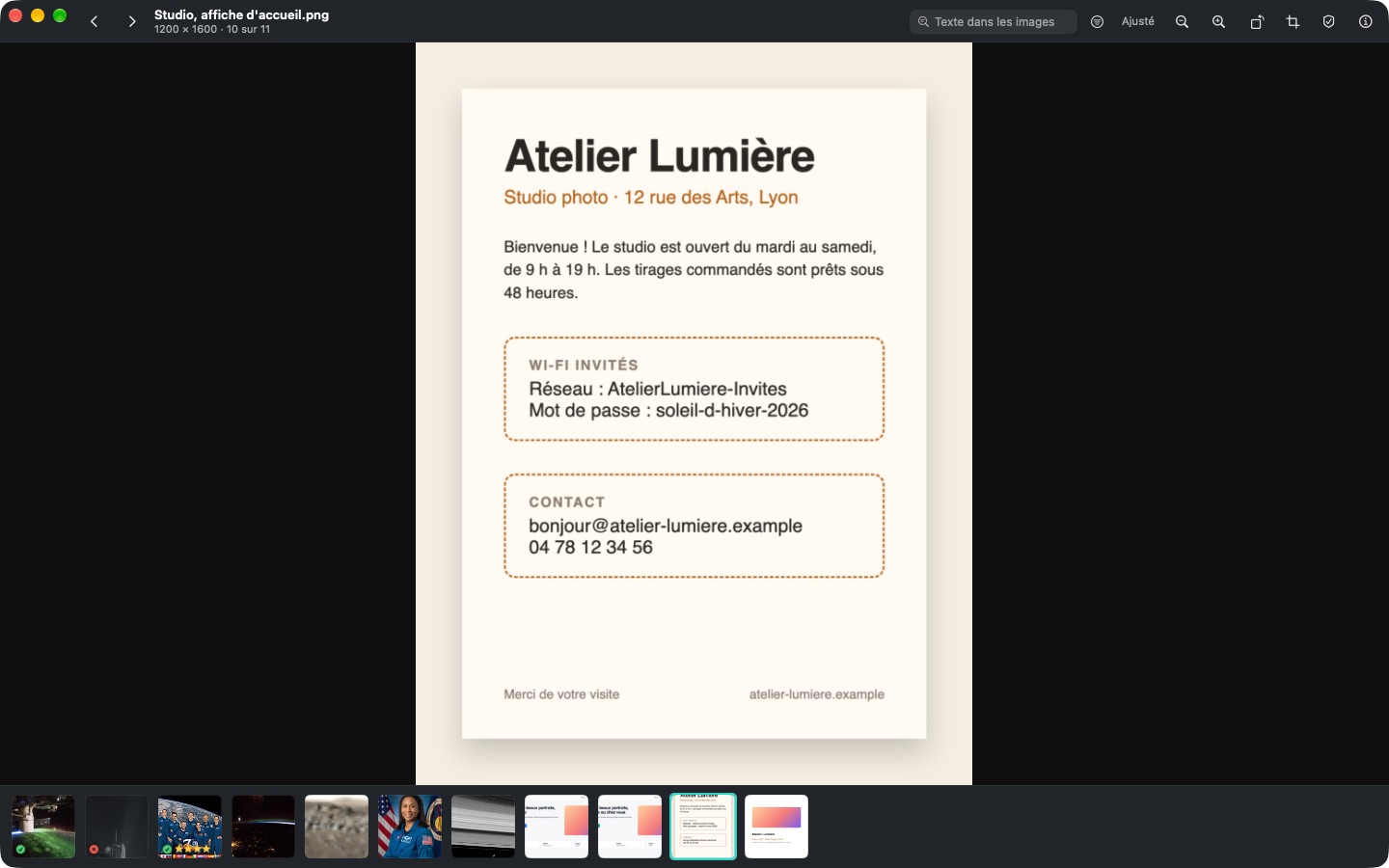
- Text in images: type “wifi” or “invoice” and Magpie finds the screenshot or photo that contains it.
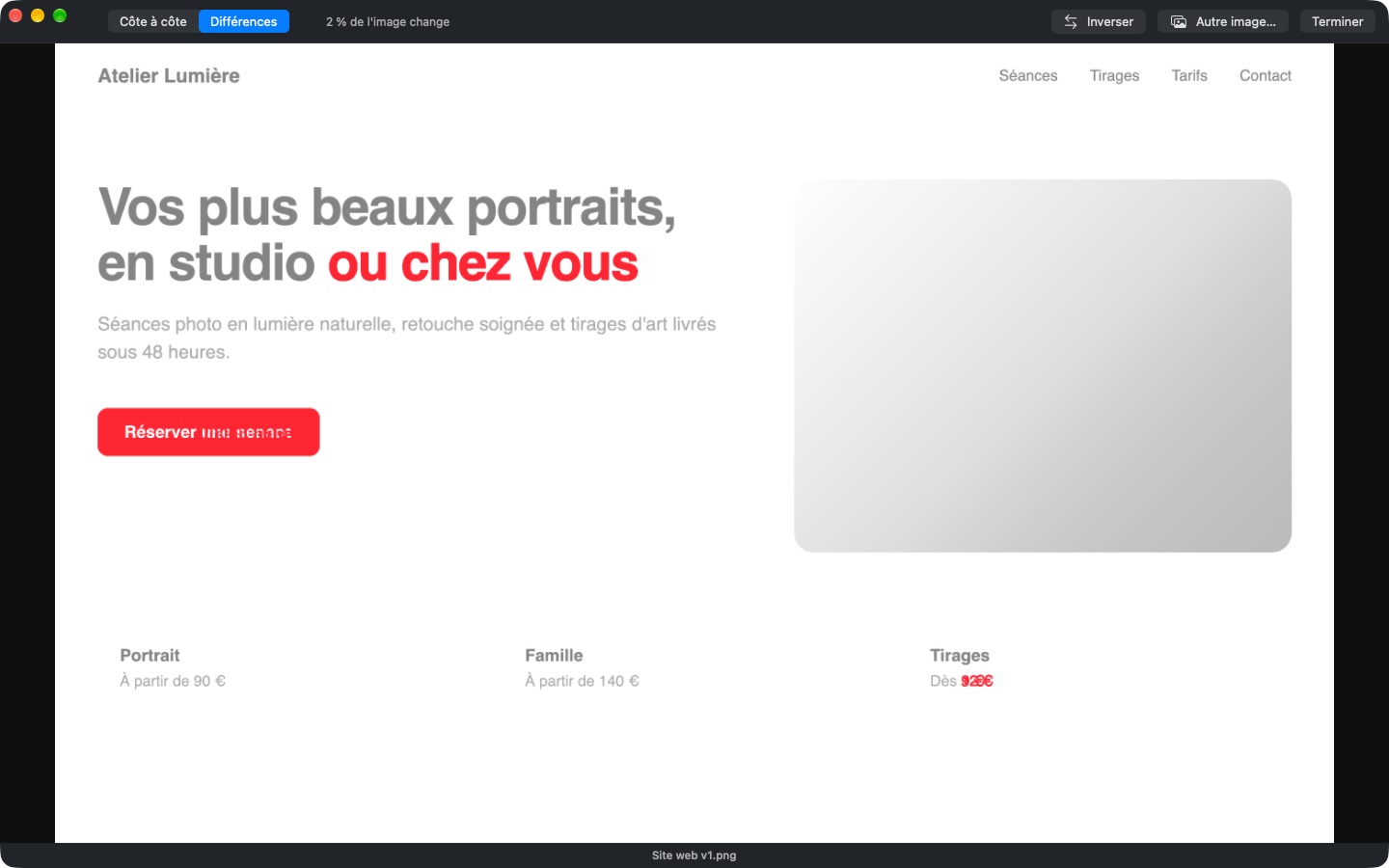
- Compare two images side by side with linked zoom and position, or see what changed in red, down to the pixel.
- Share safely: a copy without GPS location or camera details, faces blurred, emails, phone numbers and IBANs hidden.
- Lift the subject of a photo with a shortcut, copy the text of an image, eyedropper that gives the HEX color.
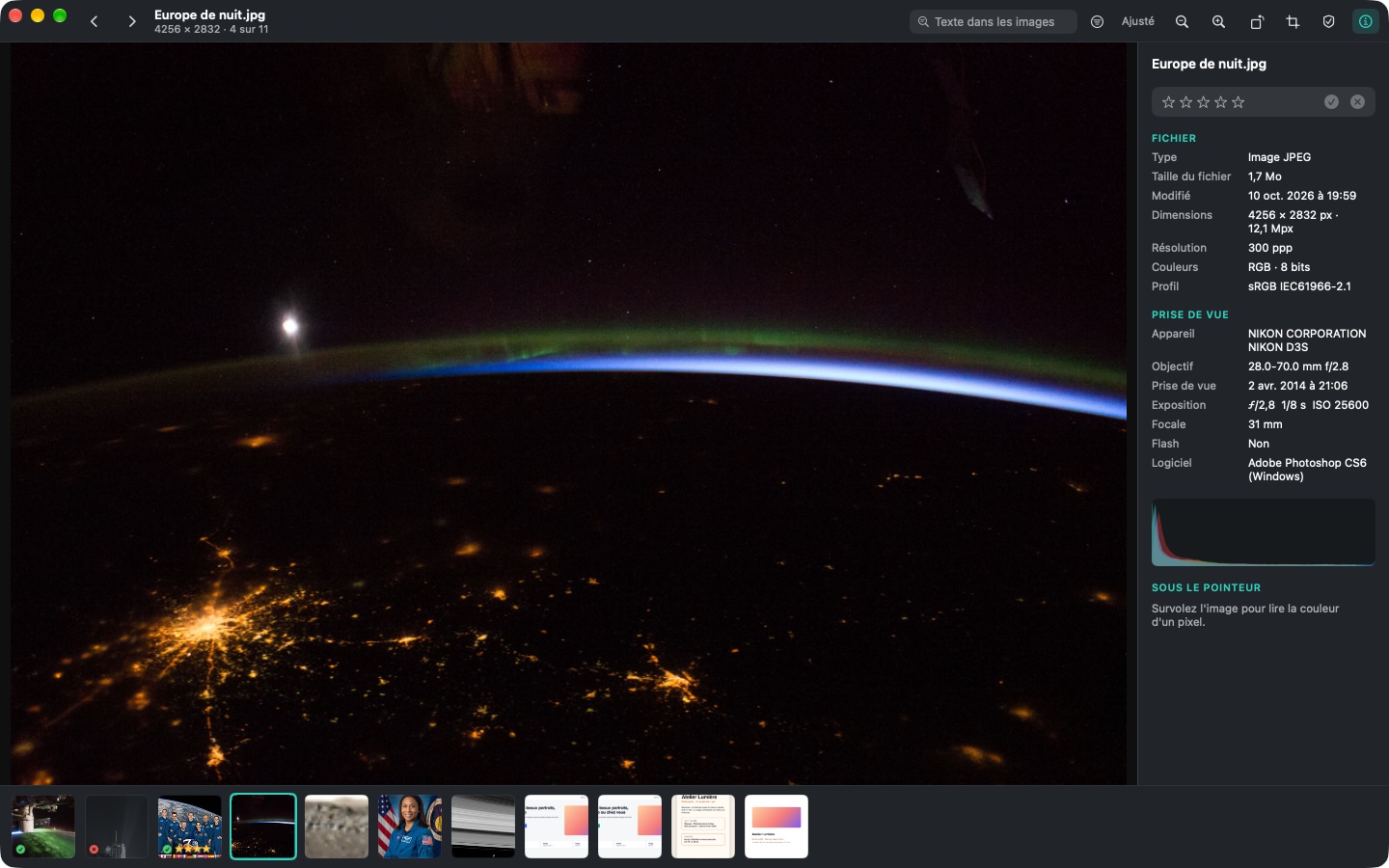
- Inspector: camera, lens, exposure, location on the map, histogram.
Edit without risk
Simple edits, without ever losing the original.
- Lossless rotation: for a JPEG or a HEIC only the orientation tag changes; the image isn't recompressed.
- Mouse cropping (C key) with a rule-of-thirds grid, and flips.
- Before the first edit the original is set aside: “Revert to Original” puts it back exactly, byte for byte.
PDFs, done better
Read, annotate, reorganize, and erase for good.
- Thumbnails, text search, highlighting, notes, fillable forms.
- Pages: rotate, move, delete, insert other PDFs or images, extract a page.
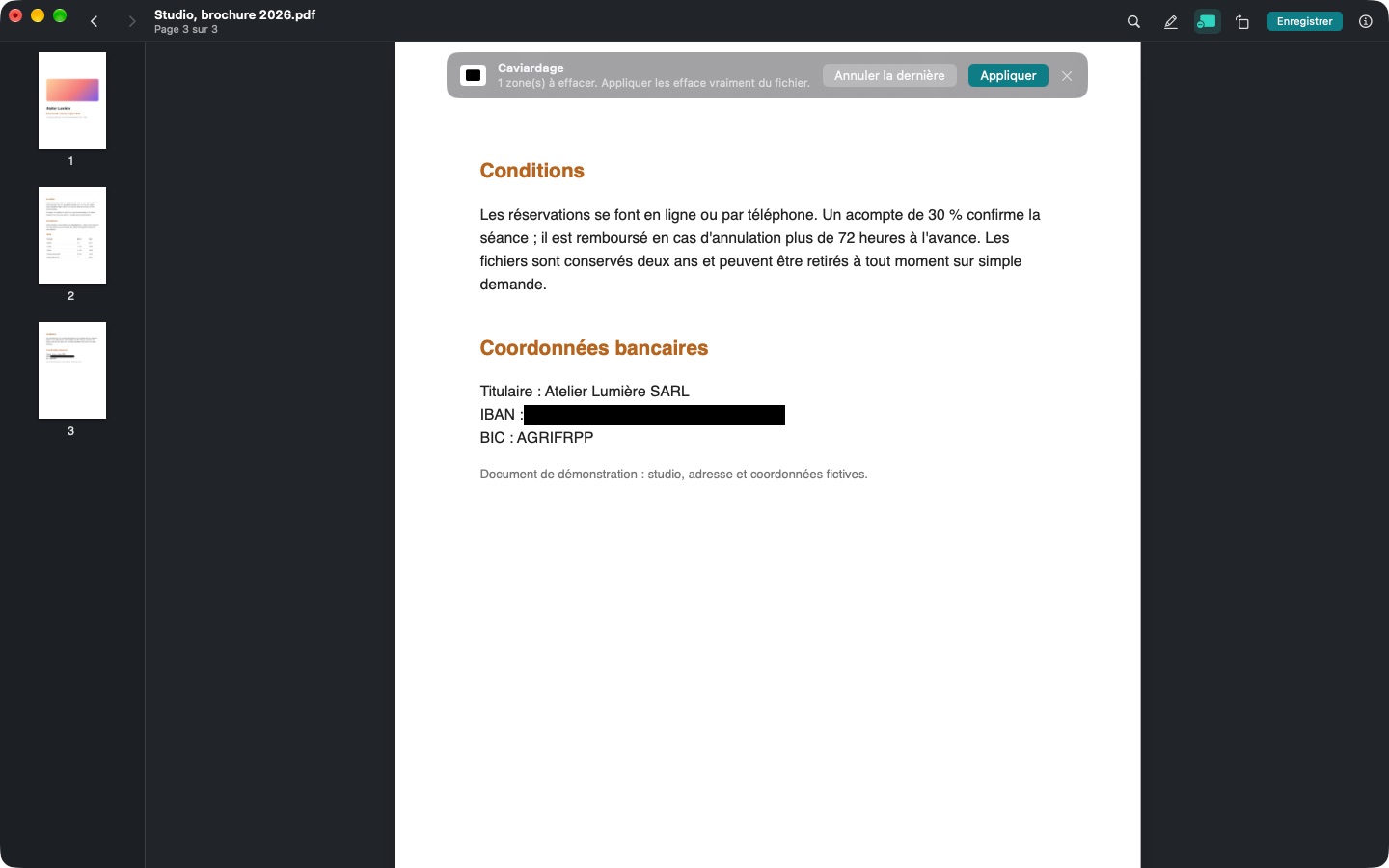
- True redaction: the hidden text no longer exists in the file; it can't be copied or searched.
- Smaller PDF for emailing, and every PDF reopens at the page where you left it.
In pictures
A coffee for what's next
Magpie is free, ad-free, and will stay that way. I develop it in my spare time: every coffee helps fund the next versions, fixes and new features, and tells me the app is useful to you.
Installation
- Download the .zip fileIt unzips on its own in the Downloads folder.
- Drag Magpie to ApplicationsIn the Finder, into your Mac's Applications folder.
- Open MagpieThe app is signed and notarized by Apple: it opens without a warning.
Requirements
- Free, with no ads and no account.
- Everything happens on your Mac: text reading, subject lifting and face detection send nothing over the Internet.
- Available in English, French and Spanish: the app follows your Mac's language, or the one chosen in its settings.
- macOS 14 Sonoma or later, on a Mac with Apple silicon or Intel.
- Default viewer for images and PDFs in one click, instead of Preview; automatic updates from within the app.


